Support
The Support screen (reachable from the left sidebar) lists contact details and expected response times for common issues.
 The Support screen — contact details and SLA information.
When to use support
Reach out if you are unable to:
- Open a study in the viewer
- Load your worklist
- Upload a completed report
Your Administrator is the first point of contact for account and access issues (e.g. can't sign in, missing studies).
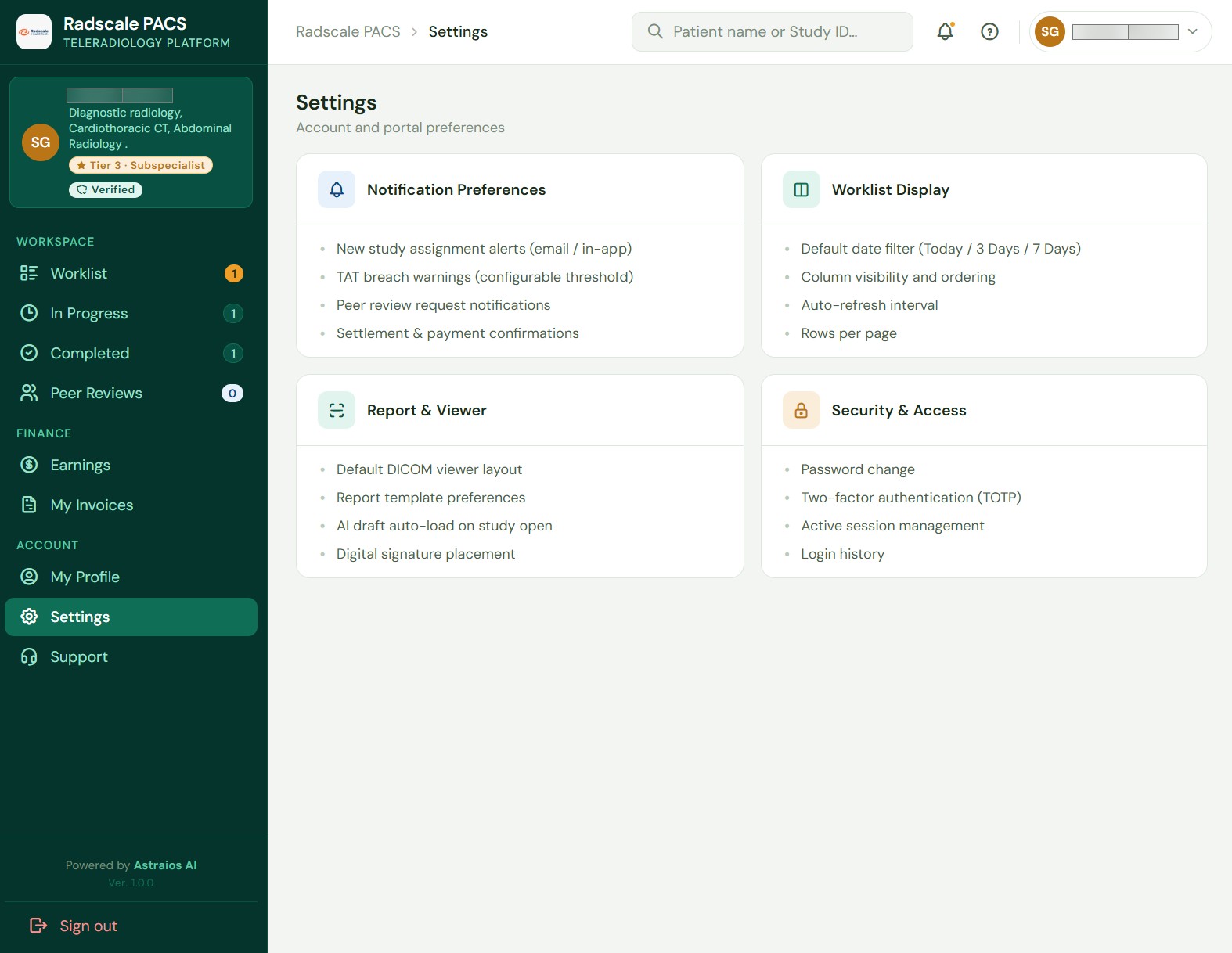
Settings — not yet available
The Settings screen is currently a placeholder. There is nothing to configure there yet.