Overview
As a Hospital user, your role in CloudPACS is to upload patient imaging studies and attach referral details so they can be allocated to a radiologist.
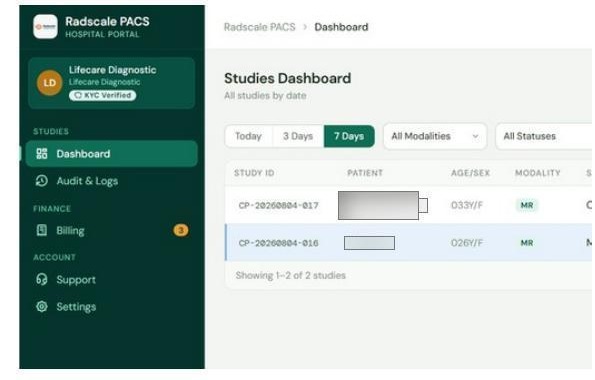
Your portal screens
| Screen | What it's for |
|---|---|
| Dashboard | Your home screen — summary of recent studies and the Upload New Study button |
| All Studies | Full list of studies your hospital has uploaded, with their current status |
| Support | Contact details and service-level information |
The hospital workflow
Upload a DICOM study
        ↓
Attach a referral (doctor's name, contact, referral image)
        ↓
Administrator allocates the study to a radiologist
        ↓
Radiologist reads and submits a report
        ↓
Report available for download from All Studies
Referral is required before allocation
A study cannot be allocated to a radiologist until you have attached a referral. This is a required step, not optional.
Signing in
Like every CloudPACS role, hospital staff sign in with their organisation's Microsoft account. There is no separate CloudPACS username or password.
 The hospital sign-in screen.