Overview
As an Administrator, you manage who has access to CloudPACS and you allocate uploaded studies to radiologists.
Your portal screens
Reach these from the left sidebar:
| Screen | What it's for |
|---|---|
| All Studies | The full list of every study on the platform — where you allocate studies to radiologists |
| Radiologists | The directory of radiologist accounts |
| Hospitals | The directory of hospital accounts |
Two buttons in the top bar, available from any screen, let you add new accounts in bulk: Upload Radiologist and Upload Hospital.
Signing in
Like every CloudPACS role, you sign in with your organisation's Microsoft account.
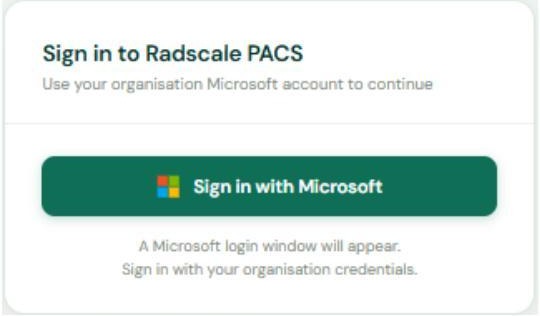 The admin sign-in screen.
Microsoft sign-in only
There is no separate CloudPACS username or password. Your account must already exist in CloudPACS and be linked to your Microsoft / Entra ID before sign-in will work.